

A browser
Research places, compare options, and work on websites.
 jo
jo
The reply you owe. The trip you’re planning. The meeting you haven’t prepared for.
Jo monitors your connected apps and gets stuff done for you, with its own browser, phone, and email address.
Free while in beta.
Available on:
 iMessage
 WhatsApp
 Telegram
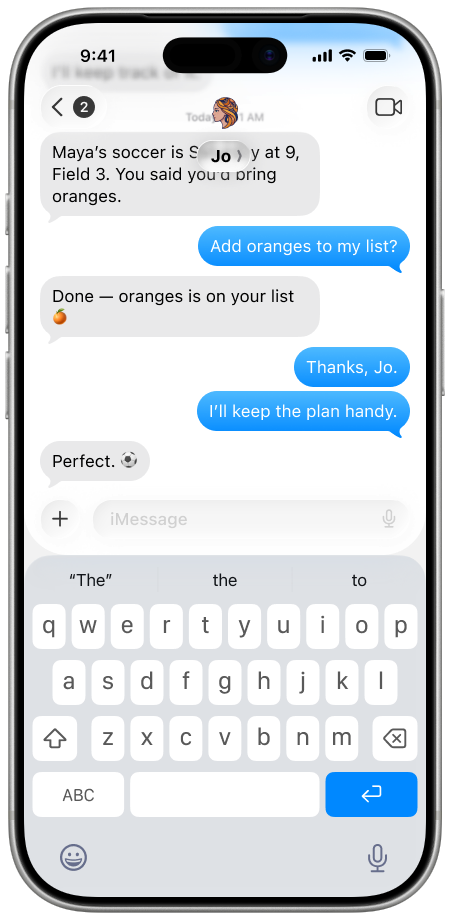
You told Dana you’d get back to her. Saturday’s plan is buried in the group chat. You still need to make that appointment.
Jo helps you find what needs attention and work on it. Ask for the details, a draft reply, or a plan you can use.
Did I reply
to Dana?
What time
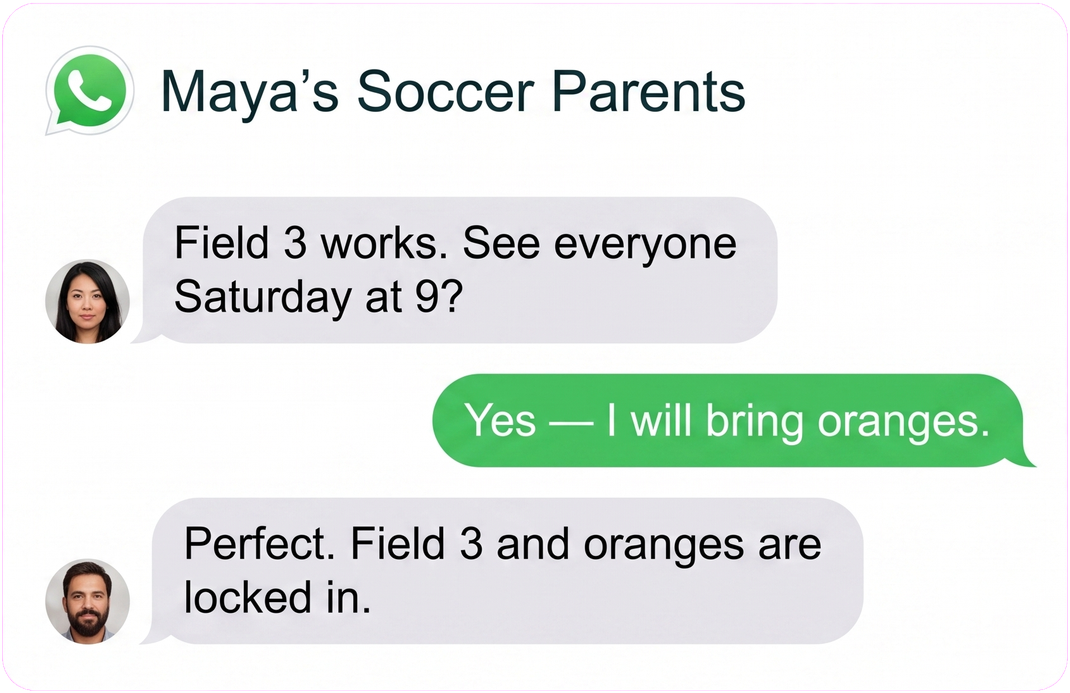
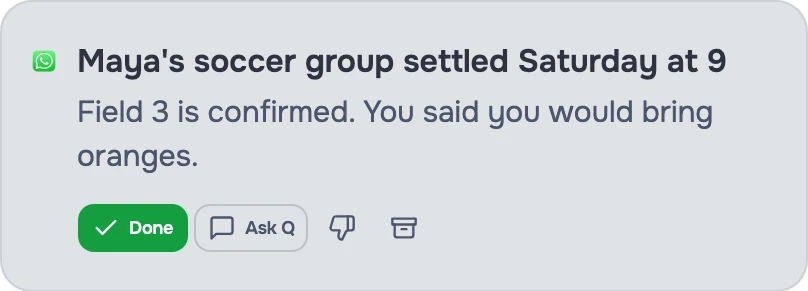
is soccer?
I said I’d handle
that this weekend.
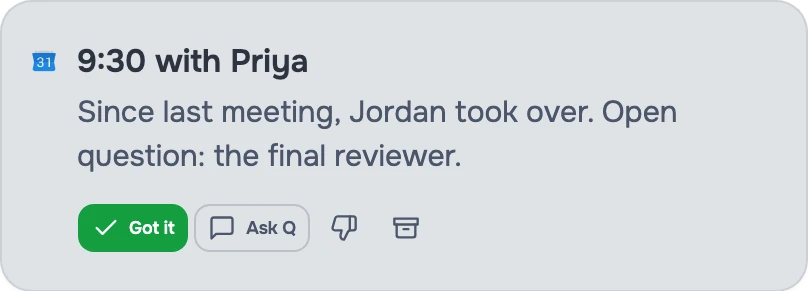
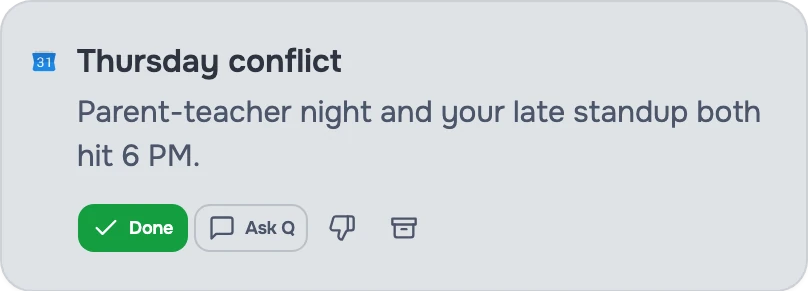
Open your morning briefing instead of checking your inbox and calendar separately.
Jo brings together the day’s meetings, messages that need a reply, and scheduling conflicts from your connected email and calendar.
See what’s coming before you get pulled into it.

jo surfaces the plan without rereading the whole thread.
Choose what you connect. Local apps and browser history require Jo for Mac.
 Gmail
Gmail Google CalendarApple MessagesWhatsAppTelegram
 Discord
 GitHub
 Notion
 Granola
 Google Drive
 Google Docs
 Google Sheets
 Google Contacts
 Linear
 Reflect
 Apple Notes
 Obsidian
 Apple Reminders
 Safari
 Chrome
Give jo a job and a schedule. Get a weekly plan, morning priorities, or a weekend task review without asking each time.
Every Sunday at 5pm
You choose the instructions, schedule, and connected accounts. Change or delete a routine whenever you want.
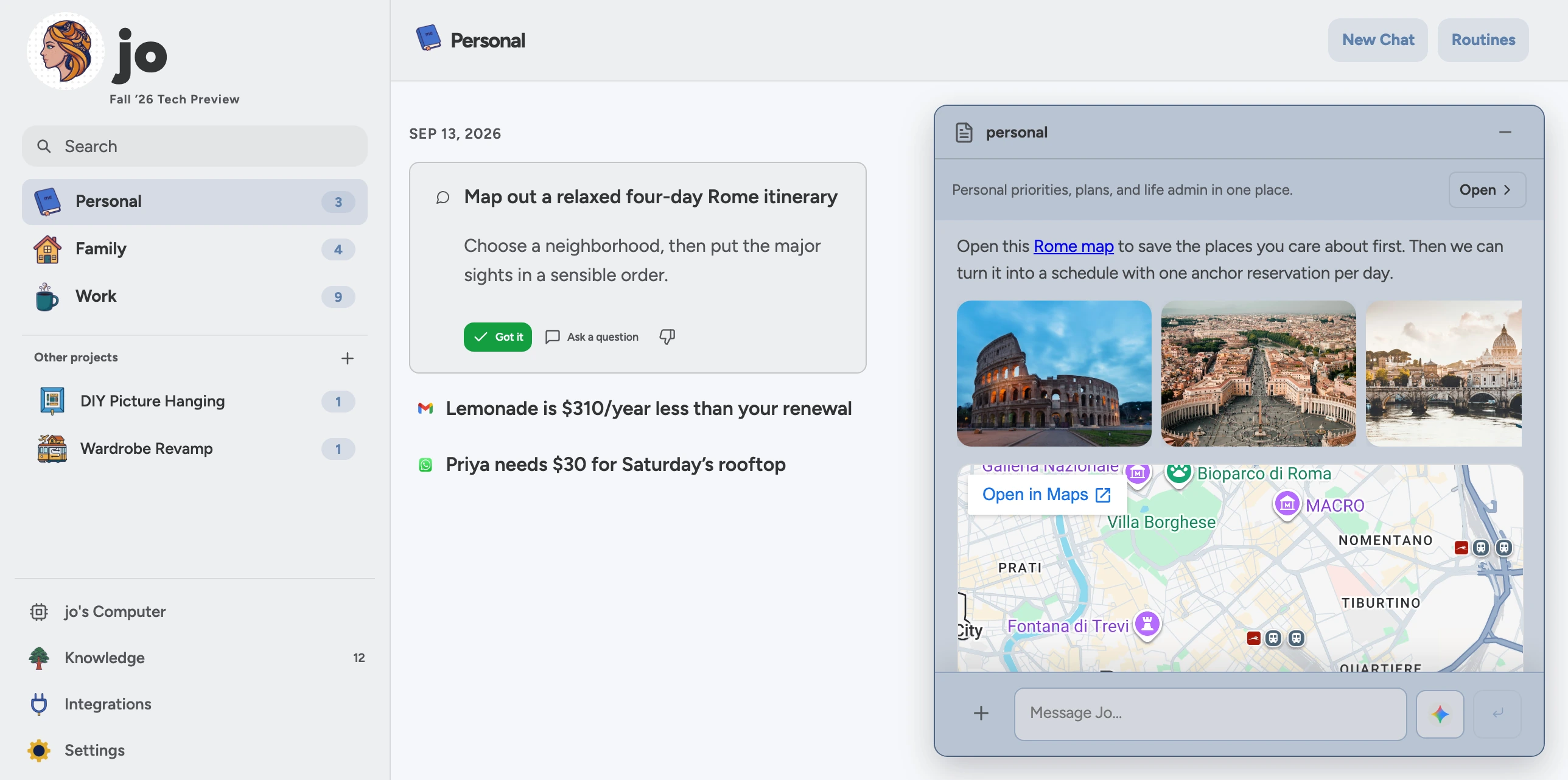
Ask Jo to research a trip, prepare a reply, or save what it finds in a file.
Research places, compare options, and work on websites.
Send Jo an email, or ask it to prepare and send one.
Call Jo when you’d rather talk than type.
Read and download Jo’s work. Delete what you don’t need.
“Help me get this back to Dana.”
Ask Jo for a draft, review it, then ask it to send when you’re ready.
Free while in beta.